
Olmsted County Same-Day Arrest Window
There is no official Olmsted County list naming everyone booked in the last 24 hours. The nearest same-day source is the Sheriff activity-log application. Pick a calendar date to pull that day's calls. A warrant call, traffic stop, or disturbance row can point to where an arrest happened. It cannot confirm a booking.
No row carries a name, booking photo, or charge list. Some calls end without an arrest. Other bookings arrive through paths a single row never reveals. For a named person, use the Adult Detention Center roster. It refreshes daily, but tracks who remains in custody, not who entered the jail within one day.
The official activity-log explanation identifies the source as a daily call log.
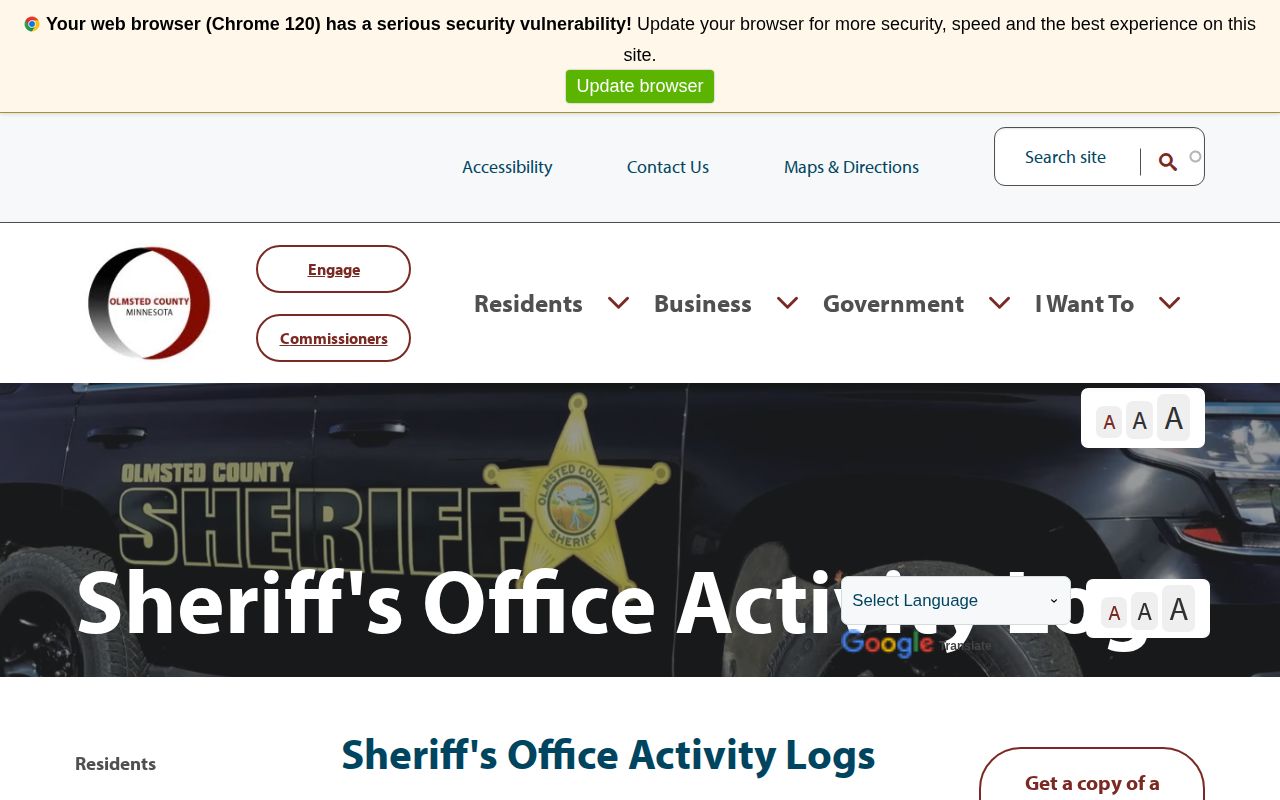
The capture helps distinguish transparent incident context from a named arrest feed.
Check Olmsted County Arrests Today
Match the source to the question. Event context comes first, custody second. When someone has been released, an entry looks wrong, or the full report is needed, the records unit settles it.
- Open the activity log and choose the date. Note the incident number, time, address, city or township, and call type.
- Search the Olmsted ADC in-custody list. Enter at least two letters in a name field, or browse by last-name initial.
- Compare the booking time and incarceration reason with the event. Similar dates or places do not establish identity.
- For a missing or released person, call Rochester/Olmsted Law Enforcement Records at 507-328-6811 or use its request instructions.
- Use VINELink Inmate Check for ongoing custody status and release or transfer alerts.
Give the records unit a name, birth date if known, rough arrest time, agency, city, and incident number. Say which item you want. The Weekly Arrest Log widens the view. The county arrest hub links roster, court, warrant, and request channels.
Olmsted Daily Report Fields
The activity log shows police work, not bookings.
| Field | Meaning |
|---|---|
| Date and time | When activity was logged, not necessarily the jail booking time. |
| Incident number | A reference that helps records staff locate a report. |
| Address | The reported event location, not proof that a resident was involved. |
| City or township | The geographic label used by the Sheriff system. |
| Call type | An event category, not a final charge or court result. |
| Name, photo, custody | Not shown. Check the ADC roster for available person-level fields. |
The official selected-day view shows those fields together.
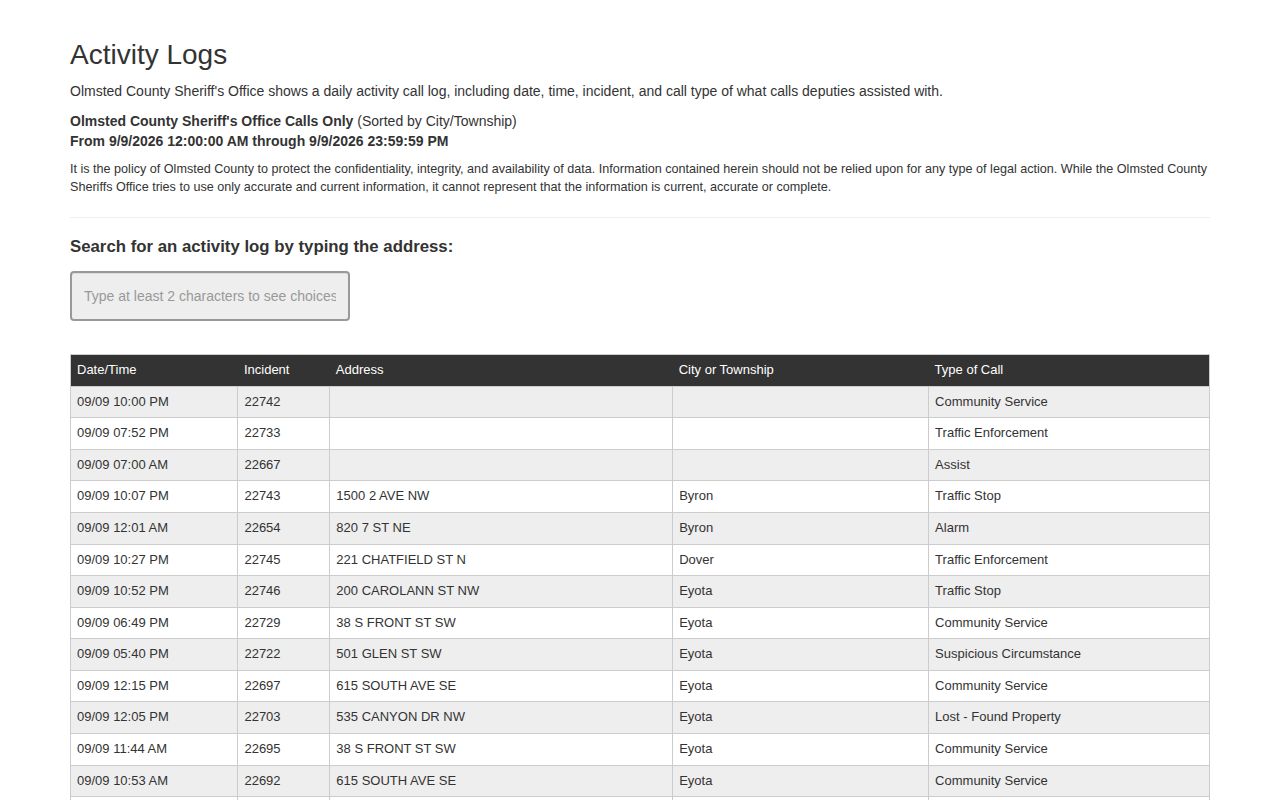
That gives time and place context without naming anyone. A roster entry goes further. It may show a booking photo and photo date, full name, booking date and time, incarceration reason, detainee description, and numbered charges with levels. Labels such as Awaiting Arraignment or Awaiting Bail or Bond describe custody status.
When Olmsted Arrest Data Posts
The activity log sorts by calendar day, but the county publishes no guaranteed posting hour. The ADC roster states that it updates daily. Detainees can appear up to a stated morning time. Booking, review, data transfer, and release all happen between updates.
Custody itself creates timing gaps. Someone booked late may appear after a delay. Someone released quickly may vanish before a later search, while a person booked months ago can remain because custody continues. The roster is not a rolling daily arrest report.
- Booking
- Jail intake that records identity, alleged charges, custody details, and sometimes a photo.
- Arraignment
- An early court hearing addressing charges and release conditions.
- Disposition
- The later court outcome, such as dismissal, plea, or verdict.
Keep four dates separate: incident, booking, roster timestamp, and court date. Each marks a different moment in the case.
Confirm an Olmsted Arrest Record
The official custody page links the current list and the ADC number, 507-328-6790. The Sheriff law-enforcement line is 507-328-6750. Non-emergency dispatch is 507-328-6800. Emergencies go to 911.
For copies, use the shared records unit. Minnesota's data-practice rules let you request without stating a purpose, and inspecting public data is free, though copies may carry lawful costs. Ask which office holds the record: Sheriff, ADC, Rochester Police, County Attorney, court, or another custodian.
Olmsted County Sheriff’s Office101 4th Street SE
Rochester, MN 55904-3718
Law enforcement: 507-328-6750
Records: 507-328-6811
The roster can display a booking photo when one exists. Minnesota law generally treats adult booking photographs as public data. Limits apply for active investigations or protected identities. The county hosts no photo gallery. A missing image does not explain itself.
After an Olmsted Arrest
Booking charges mark where a case starts. They can be reduced, changed, dismissed, or resolved later. So a sound check follows the court record beyond the daily arrest report. The local Olmsted Court Details application may list arrest agency, arrest date and time, judge, charges, and arraignment results. That page displays Olmsted County's arrest-to-arraignment fields. Arraignment results matter most. Minnesota Court Records Online supplies a broader court path, though some pending cases stay hidden from a public defendant-name search.
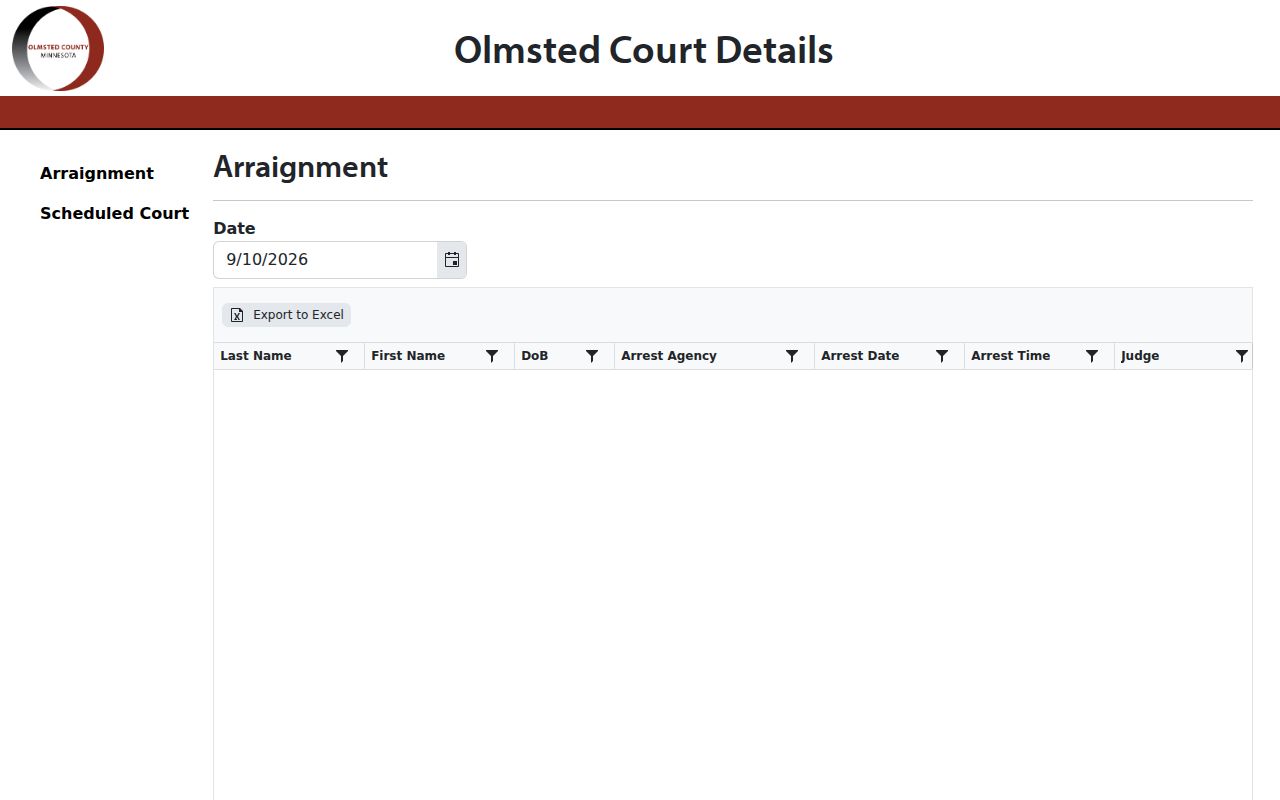
Court fields add what the call log lacks. The disposition, not a call type or booking photo, carries the legal outcome. State prison custody shows in the Minnesota Department of Corrections Public Viewer. Federal custody uses the Bureau of Prisons locator instead.
Olmsted Arrest Agency Boundaries
Arrest duties in Olmsted County split between agencies. Rochester Police handle arrests inside the city. Sheriff deputies patrol the unincorporated areas, plus contract cities like Byron and Stewartville. So one arrest can involve two offices. The agency that made the arrest and the county ADC holding the person are separate. Where the booking record and incident narrative live depends on that split. Start with the event location in the daily log. Then send your copy request to the office that wrote the record. If staff redirect you, keep the incident number and the original date attached.
Warrant calls deserve a careful read. The call type alone tells you almost nothing. It will not say who was arrested. It will not say whether a warrant was confirmed or whether anyone was booked. A roster entry marked Warrant Arrest works the same way. It gives the reason someone is in custody, not the court outcome. For questions about clearing a warrant, talk to a lawyer or the court. The Sheriff warrants unit can also help.
Public Record Search
Sponsored Results