
Olmsted County VINELink Coverage
Minnesota VINE is the state's automated victim notification service. Olmsted County's Victim Witness page sends people there for county-jail custody notices. The same page points to Sheriff custody information separately. According to the state, VINE links with most Minnesota county jails. Facilities that take part usually push updates every 15 or 30 minutes. That rhythm is typical, not a promise of instant entry.
After an Olmsted County arrest, VINELink helps when you want to locate one custody record. It also alerts you about a status change. It is not a list of all arrests. No booking-photo field exists there. For photos, charges, booking times, and custody descriptions, use the Olmsted ADC roster. The official Minnesota VINE information explains the service's purpose and routes users to VINELink.
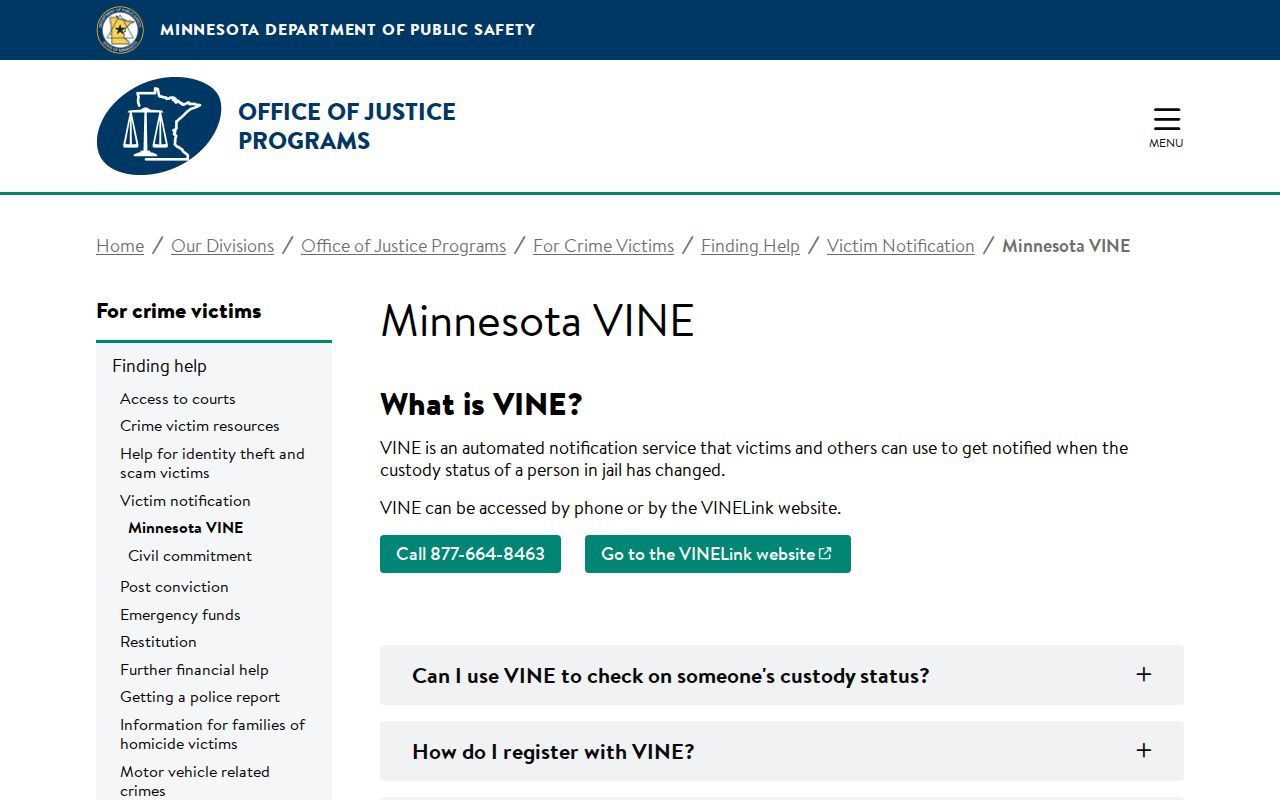
The official explanation places notification and personal safety ahead of public spectacle.
Search an Olmsted Inmate
Begin at the Minnesota person search. Enter a name or offender ID; partial matches work, so confirm more than spelling when several results appear.
- Open VINELink and confirm that Minnesota is the selected state.
- Enter the person’s name or known offender ID. Use enough detail to reduce unrelated matches.
- Review each result for facility, custody status, booking details, and facility ID.
- Compare identity details. Do not rely on a similar name alone.
- Open the matching record, then choose notification registration if ongoing updates are needed.
The VINELink Minnesota search page opens with these blank name fields.

The screen shows only search controls. No lineup or booking photographs appear in it.
A blank result still means something. Try alternate spellings and name variants first, then check the county roster. Someone can be too newly booked for the VINE transfer, already released, or held in a facility outside the system. An empty search does not mean no arrest happened.
Olmsted VINELink Result Fields
What you see depends on the record and the facility. VINELink centers on custody status and alerts, while the county roster carries richer local booking fields.
| VINELink detail | What it means |
|---|---|
| Name or offender ID | A search key that must be checked against other identity details. |
| Custody status | The status last reported by the participating facility. |
| Facility | The jail or participating institution reporting custody. |
| Booking or facility ID | A local reference when supplied. |
| Scheduled release | A date only when available; it can change through court or custody action. |
| Booking photo | Not established as a VINE field. Use the official county roster instead. |
Read each status term narrowly. A transfer means custody moved. A release means the reporting facility says confinement ended, nothing more. A scheduled date is not a promise, since a court order, bond, detainer, or another lawful event can shift the timing.
- Custody status
- The facility’s current reported holding state.
- Transfer
- Movement from one facility or authority to another.
- Detainer
- A request or legal basis for another authority to hold or receive a person.
- PIN
- A private code used to confirm and manage certain notifications.
Register for Olmsted Custody Alerts
Register with a phone number or an email. The state fact sheet describes phone, text, email, and in-app notices. An account is optional, no name is required, and a PIN lets you confirm, manage, or cancel notices.
- Open the verified person’s VINELink record and choose the registration option.
- Select an available delivery method, such as phone, text, or email.
- Enter the requested contact detail accurately.
- Create and retain the PIN. Do not share it with someone who should not control the alerts.
- Complete any confirmation prompt and keep the facility’s official number as a backup.
How notices behave depends on the event and the channel. Release, court-order, bond, escape, and record-purge notices can follow repeated-call rules. Transfer and death notices can carry special delays. If a call is missed or goes unconfirmed, check VINELink directly. Contact the facility if needed. The Olmsted County Victim Witness page confirms the local VINE route. It adds local service context.
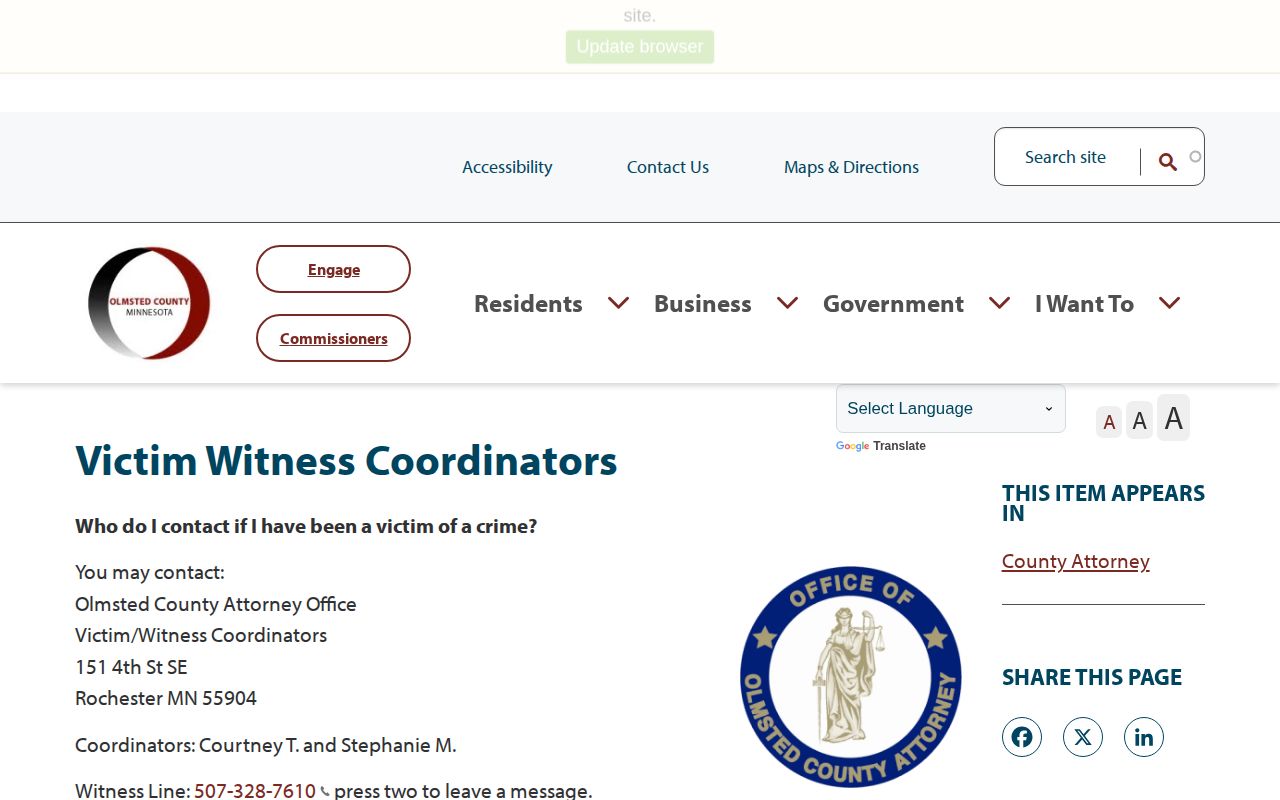
This county source connects the statewide tool to Olmsted’s local victim-support process.
VINELink Is Not a Photo Feed
VINE is a notification layer, not a mugshot layer. Its official materials stick to custody status, facility details, and notice registration. A missing photo is not an error. The Olmsted County ADC list is the local source that may show a booking photograph and its photo date.
The distinction also protects accuracy. Minnesota law generally treats adult booking photos as public data, though limits exist, including an active-investigation exception and protection for certain identities. No gallery appears on this page. To follow arraignment and other court events, use Olmsted Court Details or Minnesota court records.
Verify a New Olmsted Booking
Data can lag the moment of arrest. The VINE fact sheet gives typical update intervals for participating facilities, not a guaranteed time for any Olmsted booking. The county ADC roster updates daily. A person processed minutes ago may be absent from one or both tools.
The Daily Arrest Report adds same-day call context. Its activity rows carry no names or custody result, though. The Olmsted County arrest hub covers roster fields, records requests, and court routes. The ADC phone is 507-328-6790. Messages and email are not watched around the clock; call 911 for an emergency.
Want a released person's booking record? Ask Rochester/Olmsted Law Enforcement Records at 507-328-6811. Include the name, birth date if known, arrest date, agency, and incident number. VINELink alerts never replace the official booking file or a certified court record.
Custody Systems Beyond Olmsted VINE
Match the tool to the agency holding the person. Minnesota VINE tracks county jail custody only. Prison cases work differently. Anyone serving state time or supervised by the Minnesota Department of Corrections belongs in the DOC Public Viewer instead, since the state keeps those records itself. Notifications for state prisoners route through Haven rather than county VINE. The DOC search covers a different custody stage, with its own name and ID fields.
| Custody type | Correct source |
|---|---|
| Olmsted County jail | VINELink plus the Olmsted ADC roster |
| Minnesota state prison or DOC supervision | Minnesota DOC Public Viewer and Haven notification |
| Federal prison | Federal Bureau of Prisons Inmate Locator |
| Immigration custody | ICE Online Detainee Locator |
Federal BOP and ICE custody fall outside county VINE. A transfer can explain a sudden roster change. Before assuming release from the Olmsted roster, confirm where the person actually went.
Manage Olmsted VINE Notices
Keep your PIN and contact details current. A full voicemail box, a blocked caller, or a filtered email can stop a notice even when the jail sends one. Check your chosen channel soon after registering. When a notice arrives, open the live record or call the facility rather than trusting the preview.
Registration stays anonymous. The contact method still needs care. Use a device and account you control. Cancel notices with the PIN when they stop being useful. A lost PIN means following VINELink's recovery steps, not guessing at a custody change.
Victim Witness Coordinators can explain the local notification path and available support. They do not replace emergency services. Call 911 for immediate danger. The jail's live confirmation still matters. For a non-emergency custody question, compare Minnesota VINE with the Olmsted ADC source and note the time of each check.
Public Record Search
Sponsored Results